Network Devices Explained
Resume
SWITCH:
Responsible for distributing packets between devices within the same network.
Usually, a local one (called LAN).

ROUTER:
Responsible for connecting multiple networks together.
Every router has an interface for every network it connects it to.

ROUTING TABLE:
Simple data table stored in a router or network host that lists all
the routes to a particular network destsination.
Switch
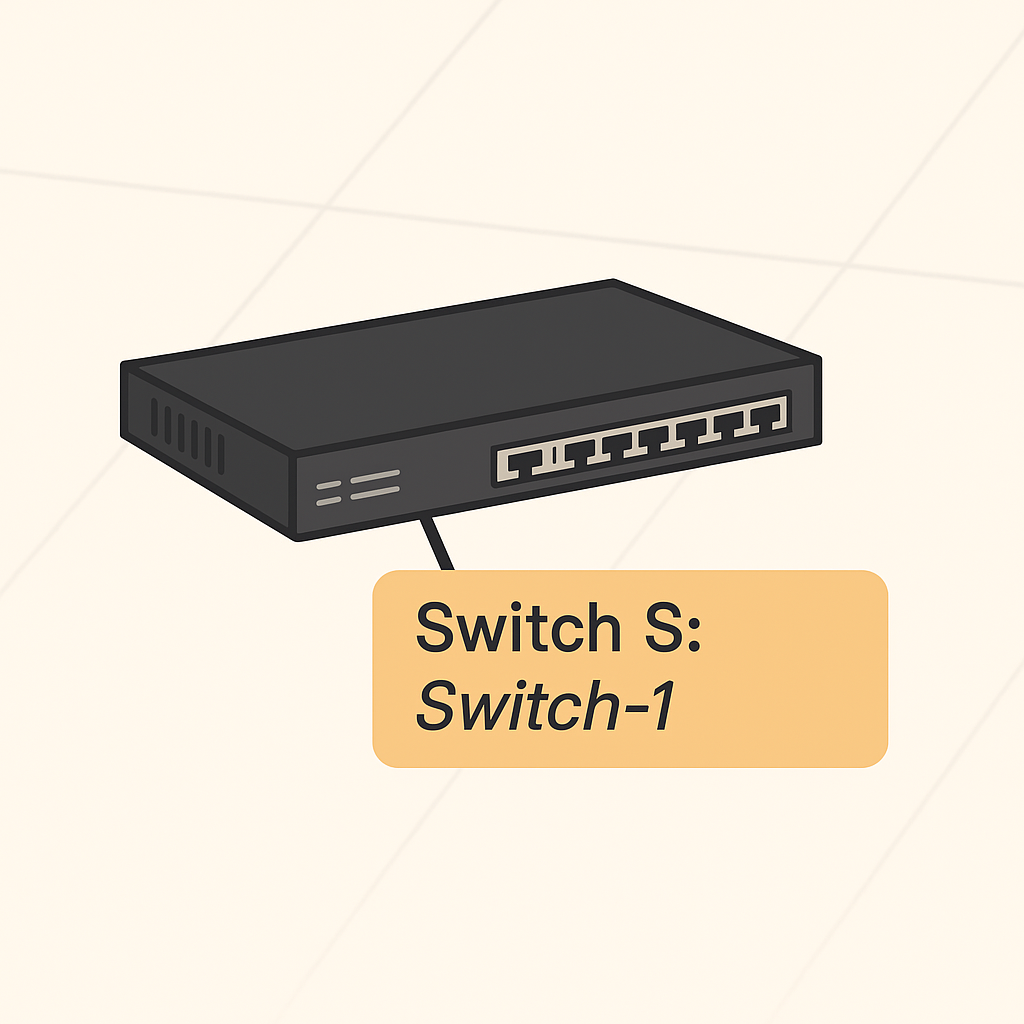
A switch is a network device that connects multiple devices (such as computers, printers and servers), within a single local network, often called a LAN (Local Area Network). Its main job is to receive data packets and forward them only to the specific device they are intended for, making communication inside the network efficient and fast.
Unlike the router, which can connect different networks together (for exemple, your home network to the internet), a traditional switch works only inside one network. It operates at the data link layer (Layerr 2) of the networking model, using its physical ports to receive and send data frames within the same local network. Because of this, a switch cannot route aor send data directly between different networks.
Switches do have physical interfaces, called ports, where devices connect via Ethernet cables. But they do not have IP addresses or routing capabilities like routers do. If you want to connect multiple networks or enable communication outside the local network, you need a router or a Layer 3 switch, which combines switching and routing functions.
So explaining this again:
-
A Layer 2 managed switch is designed to forward traffic between network hosts within the same subnet, based on the entries in its MAC address table.
-
A Layer 3 managed switch is capable of forwarding traffic between different subnets, using a map of the IP network maintained in its routing table.
Simple example: Imagine you have a small office with several computers and printers. All these devices need to talk to each other to share files and print documents. To connect them all, you use a SWITCH. The switch acts like a smart traffic director inside the office, making sure data sent from one computer goes only to the intended device, not to everyone. This keeps the network fast and efficient.
Now, if someone in the office wants to access a website on the internet or send an email outside the office, their computer needs to talk to a device that connects the office network to the wider internet. This is a ROUTER. The router takes data from the office network and forwards it to other networks, like your Internet Service Provider (ISP), and then the internet. It also directs incoming internet data back to the correct computer inside the office.
To summarize:
- The SWITCH connects devices within the same local network and forwards data based on hardware addresses (MAC addresses).
(A layer 3 switch can route traffic between different local subnets inside a network but does not replace a router for internet access).
- The ROUTER connects different neetworks together, forwarding data based on IP addresses, enabling communication between your local network and external networks like the internet.
Router
Router connects multiple networks together. The router has an interface for each network it connects to.
Since the router separates different networks, the range of possible IP addresses on one of its interafaaces must not overlap with the range of its other interfaces. An overlap in the IP adddress range would imply that the interfaces are on the same network.
WHAT IS THE DIFFERENCE BETWEEN A MODEM AND A ROUTER?
A router forms local networks (LANs) and manages how data flows between devices and between different networks.
A modem, on the other hand, connects oyur local network to the internet - it translates the signals between your ISP and your devices.

In simpler terms:
--> A router connects multile devices together, creating a local network.
--> A modem connects that local network to the internet.

To provide internet access to multiple devices in oyur home or office, you need both:
--> The modem talks to your internet provider (ISP)
--> The router takes that connection and shares it with all your devices.

Many modern devices combine both functions into a single box called a modem-router.
Routing Table
GENERAL FORMAT OF A ROUTE:

<Destination network>/<netmask> => <next hop>.

Translated:
To reach the network <Destination>/<netmask>, sned packets to the router with IP <next hop>.
Routing tables are the router’s instruction manual for deciding where each packet should go next.
A routing table is a data structure used by routers and hosts to determine where to forward packets. It plays a key role in direting traffic across networks by telling a device the next step a packet should take on its way to the destination.
A basic routing table contains the following elements:
| Element | Explanation |
|---|---|
| Destination | This specifies the IP address or network that the packet is trying to reach. A special case is the default route (0.0.0.0/0 or default), which is used when no specific route for a destination is found. It acts as a fallback rule: "If you don´t know where to send this packet, use this route." |
| Next Hop | The next hop indicates the IP address of the next router or gateway the packet should be sent to. It´s essentially the next step toward the final destination. Each router in a network keeps its own routing table and uses the next hop to forward traffic toward the target network. |
If you do not understand the first explanation you have this second one:
The Router's Map
A routing table is simply a list that helps routers (and sometimes computers) decide where to send each packet of data. It´s like a set of instructions or a map for reaching different destinations.
HOW IT WORKS:
- Destination: This is the address or network that the data wants to reach. If the router doesn't have a specific rule for a destination, it uses the default route (
0.0.0.0/0), which acts as a "send it out this way if you're not sure" rule. - Next Hop: This tells the router the address of the next device (usually another router) that the data should be sent to, moving it closer to its final destination.
Analogy: Imagine mailing a letter. If you know the street, you send it directly there. If not, you send it to the central post office (default route= and let them figure it out. The next hop is like the net post office or courier that will carry your letter closer to its destination.
| Element | What It Means |
|---|---|
| Destination | The target IP address or network. "Where does this data need to go?" |
| Next Hop | The next router or gateway to send the packet to. "Who do I hand this off to next?" |